
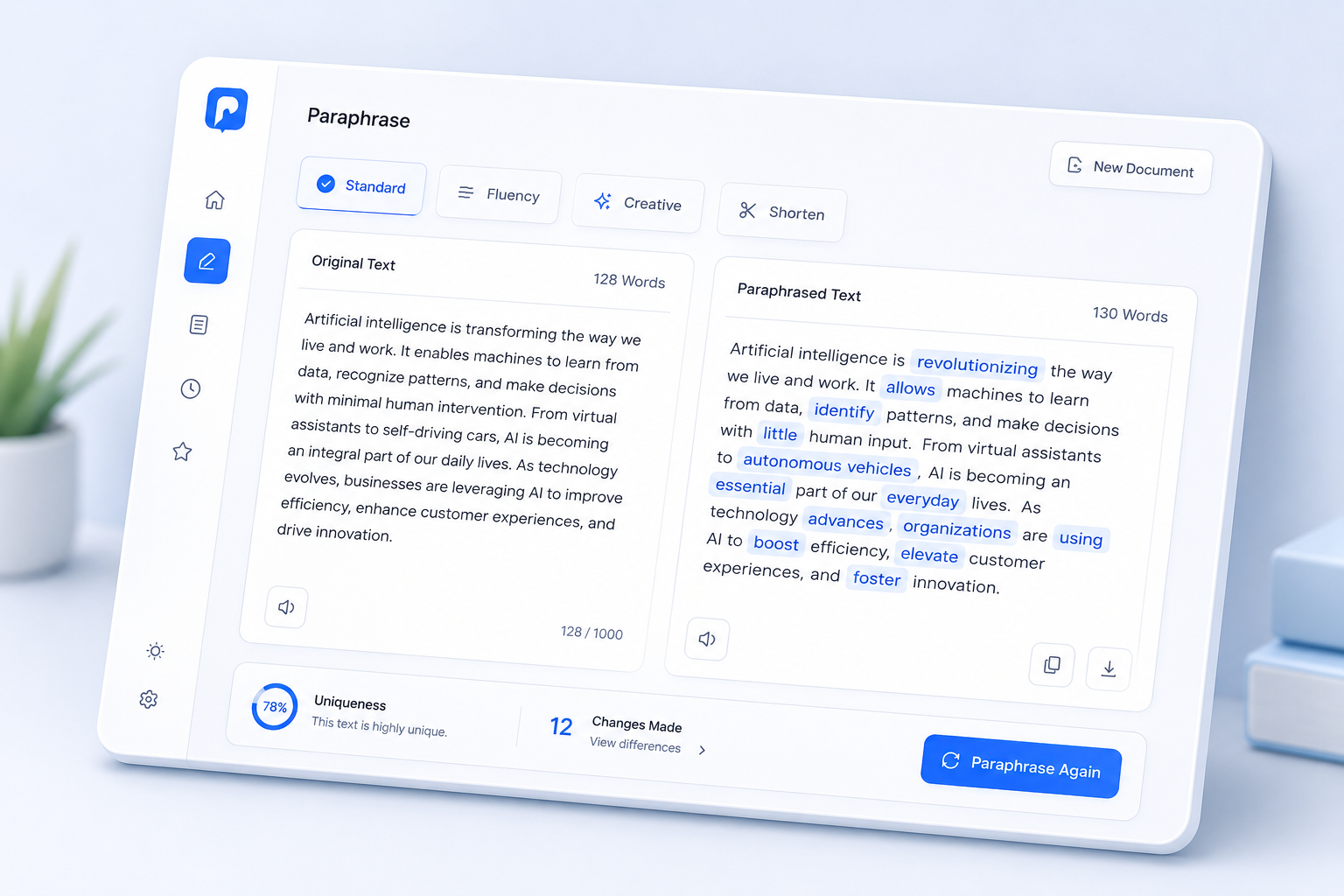
Choose a Rewrite Mode
Each paraphrasing request uses 1 credit.
Paste or type your text to get started
AI summary will appear here
Why Use Our Paraphrasing Tool?
Built for fast rewriting, better clarity, and flexible tone control.
Multiple Styles
Switch between rewrite modes to match your goal — polished, creative, or concise.
Better Clarity
Turn awkward or repetitive text into natural, clear writing.
Fast Rewriting
Generate a new version of your text in seconds.
Key Features of Our Paraphrasing Tool
Multiple rewrite styles to match any writing goal.
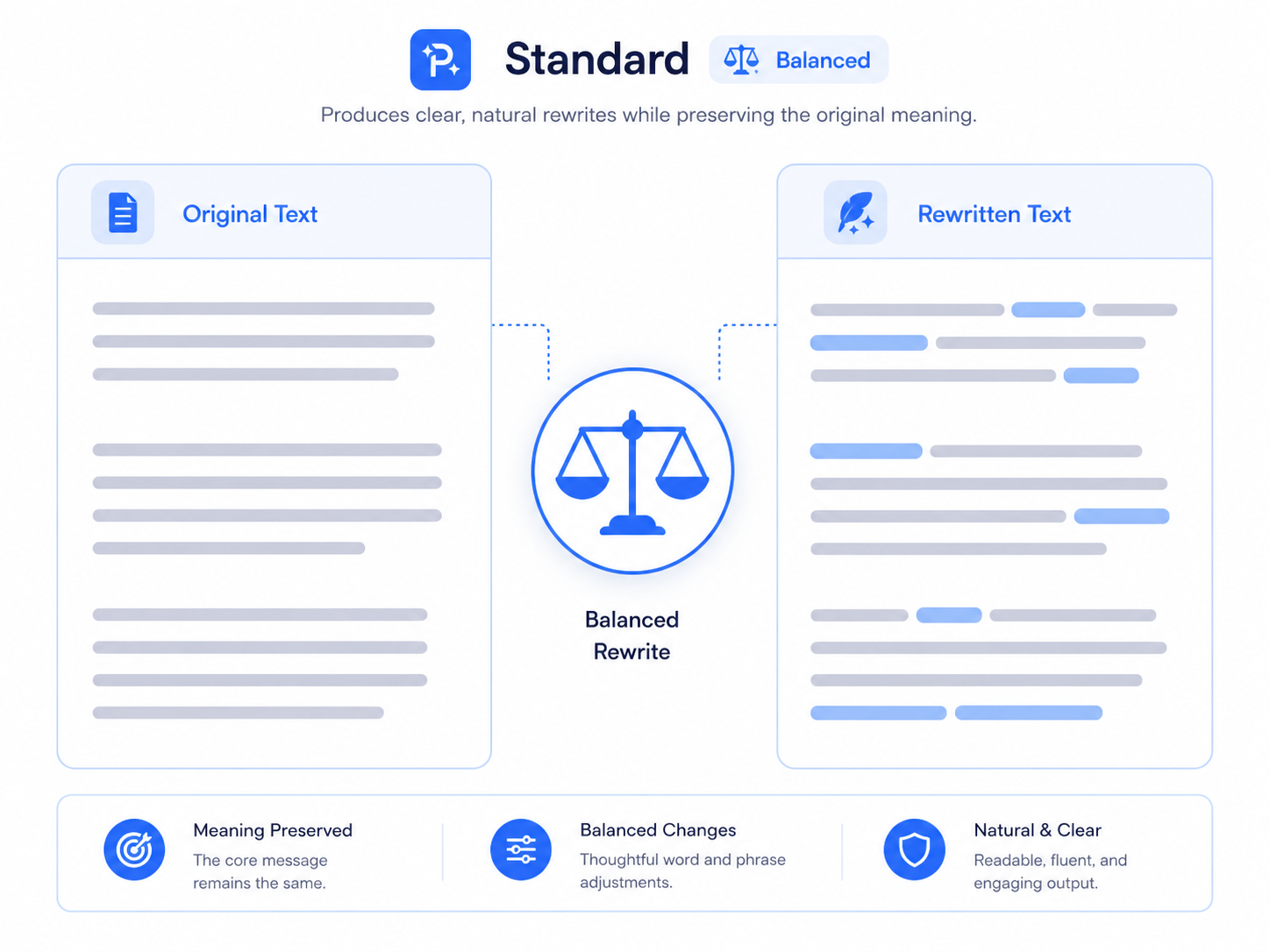
Standard Mode — Balanced Rewriting
Keep the original meaning intact while improving wording and sentence flow. Ideal for everyday rewriting tasks like emails, essays, and reports.
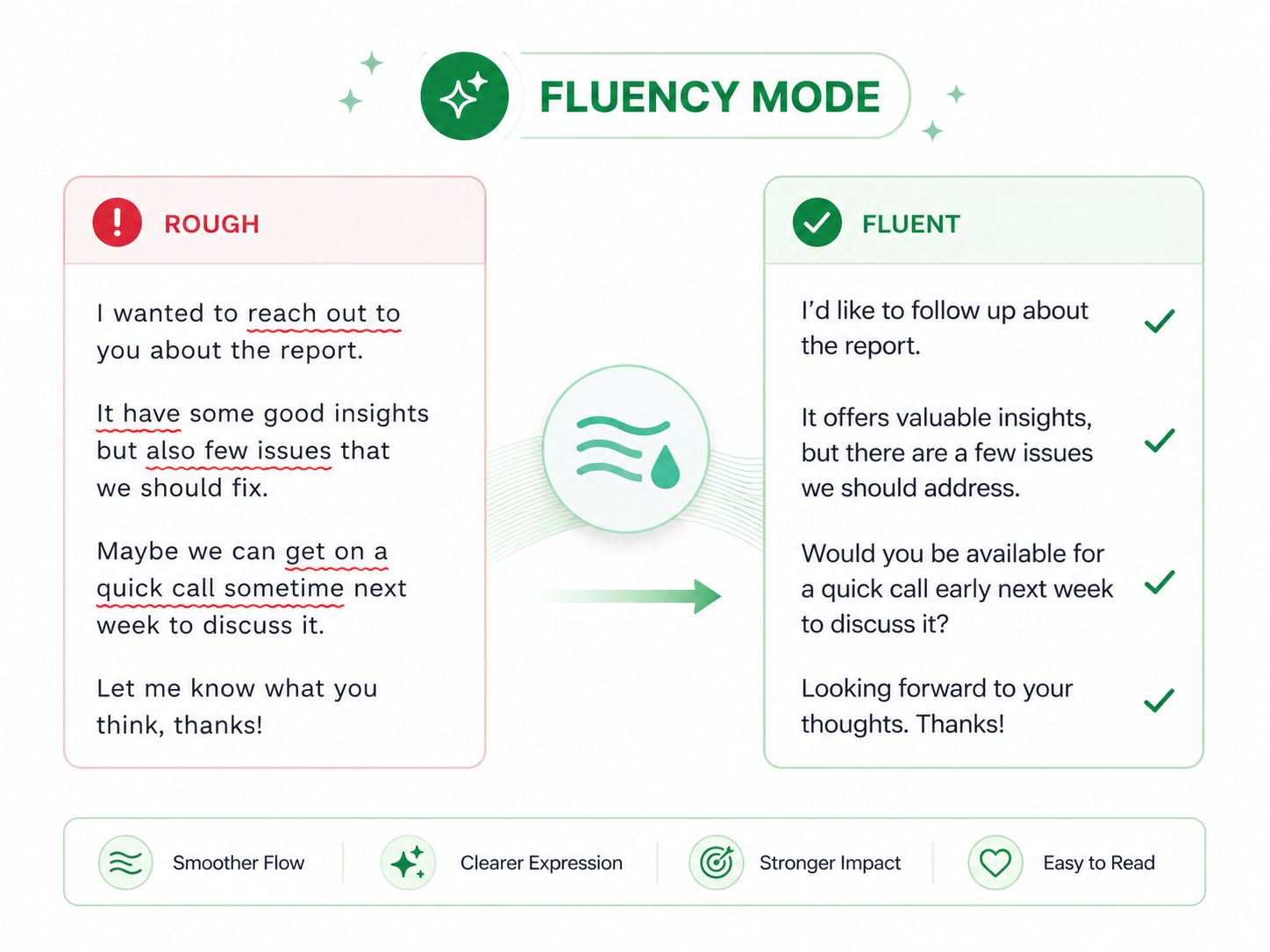
Fluency Mode — Smoother Reading
Improve readability, fix grammar issues, and make your text flow more naturally. Perfect for polishing drafts and professional documents.
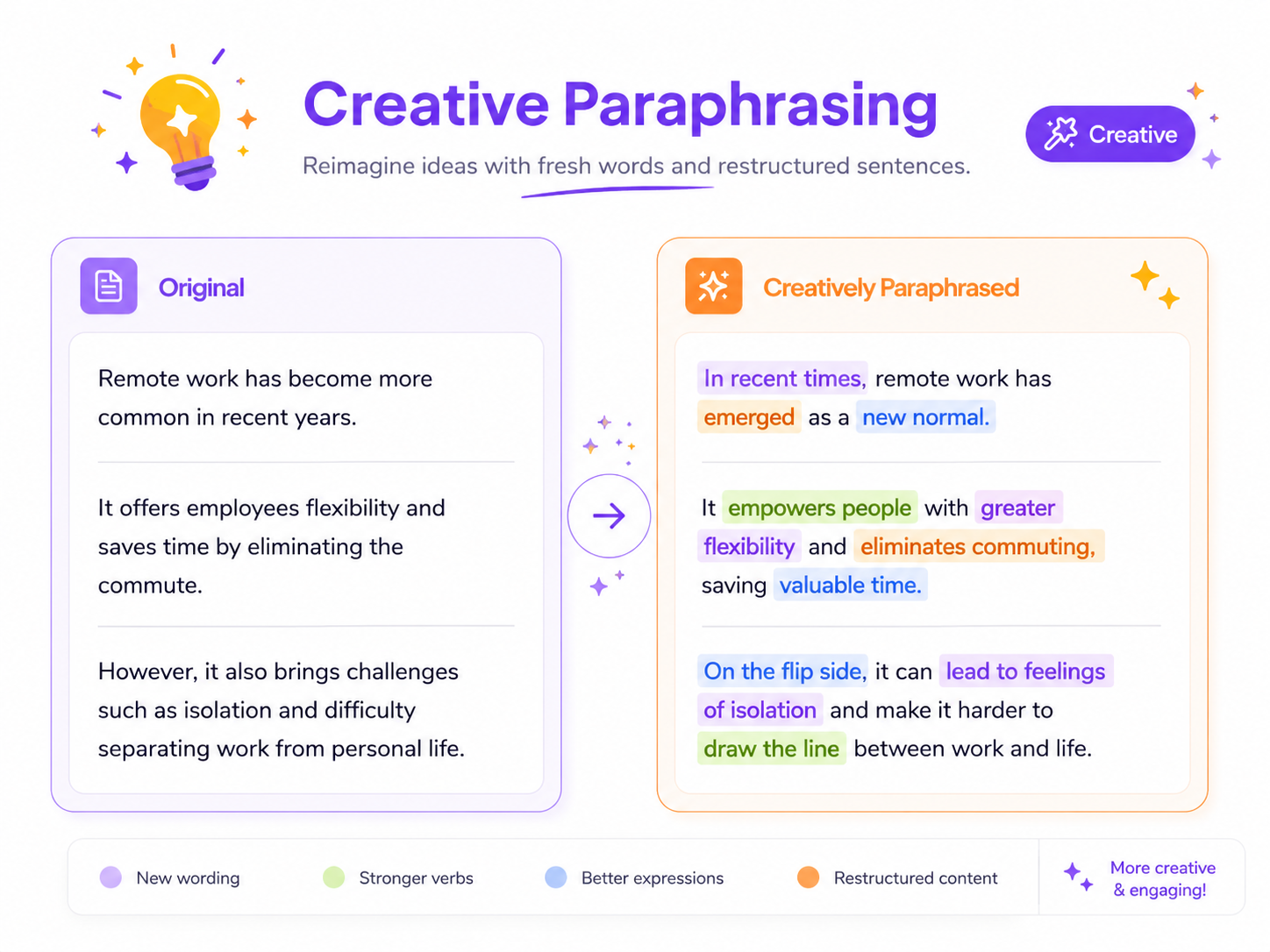
Creative Mode — Fresh Wording
Use more varied wording and sentence structures to create a fresh version. Great for avoiding repetitive phrasing or generating alternative copy.
Benefits of Using Paraphrasing Tool
Express ideas with fresh wording, improve readability, and adapt content to different audiences.
Save time
Rewrite content in seconds instead of manually rephrasing sentence by sentence.
Improve writing
Get polished, professional text that reads naturally and communicates clearly.
Avoid repetition
Generate fresh wording to avoid duplicate phrasing across your content.
Flexible tone
Adapt your text for different audiences — formal, casual, concise, or creative.