
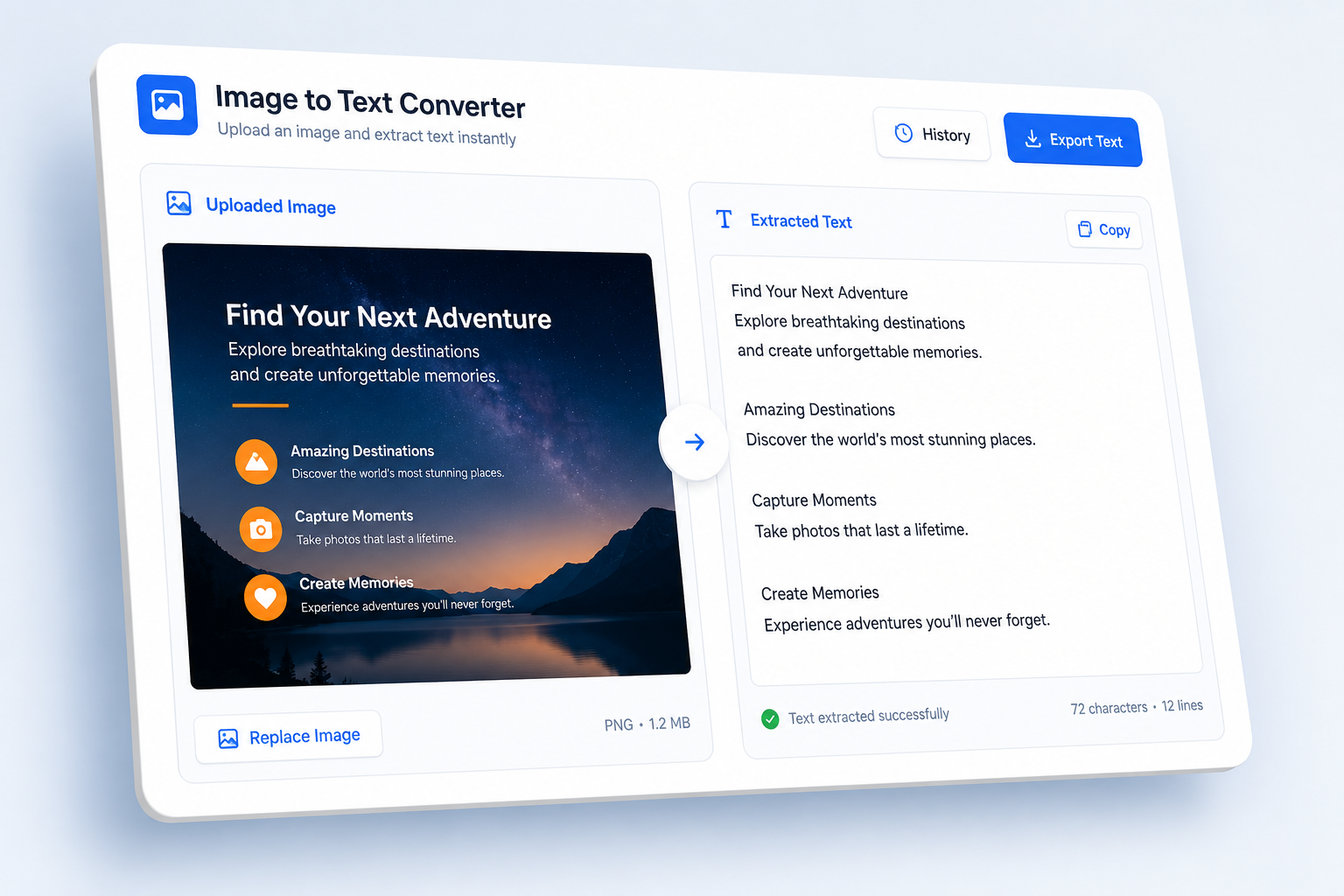
AI summary will appear here
Why Use Our Image to Text Converter?
Extract readable text from any image quickly and accurately.
Multiple Formats
Supports PNG, JPG, JPEG, WEBP, GIF, and BMP image files.
Accurate Extraction
AI reads text from images with high accuracy, even with complex layouts.
Instant Results
Extract text in seconds — no manual typing needed.
Copy & Download
Copy extracted text to clipboard or download as a text file.
Key Features
AI-powered text extraction for screenshots, notes, and documents.
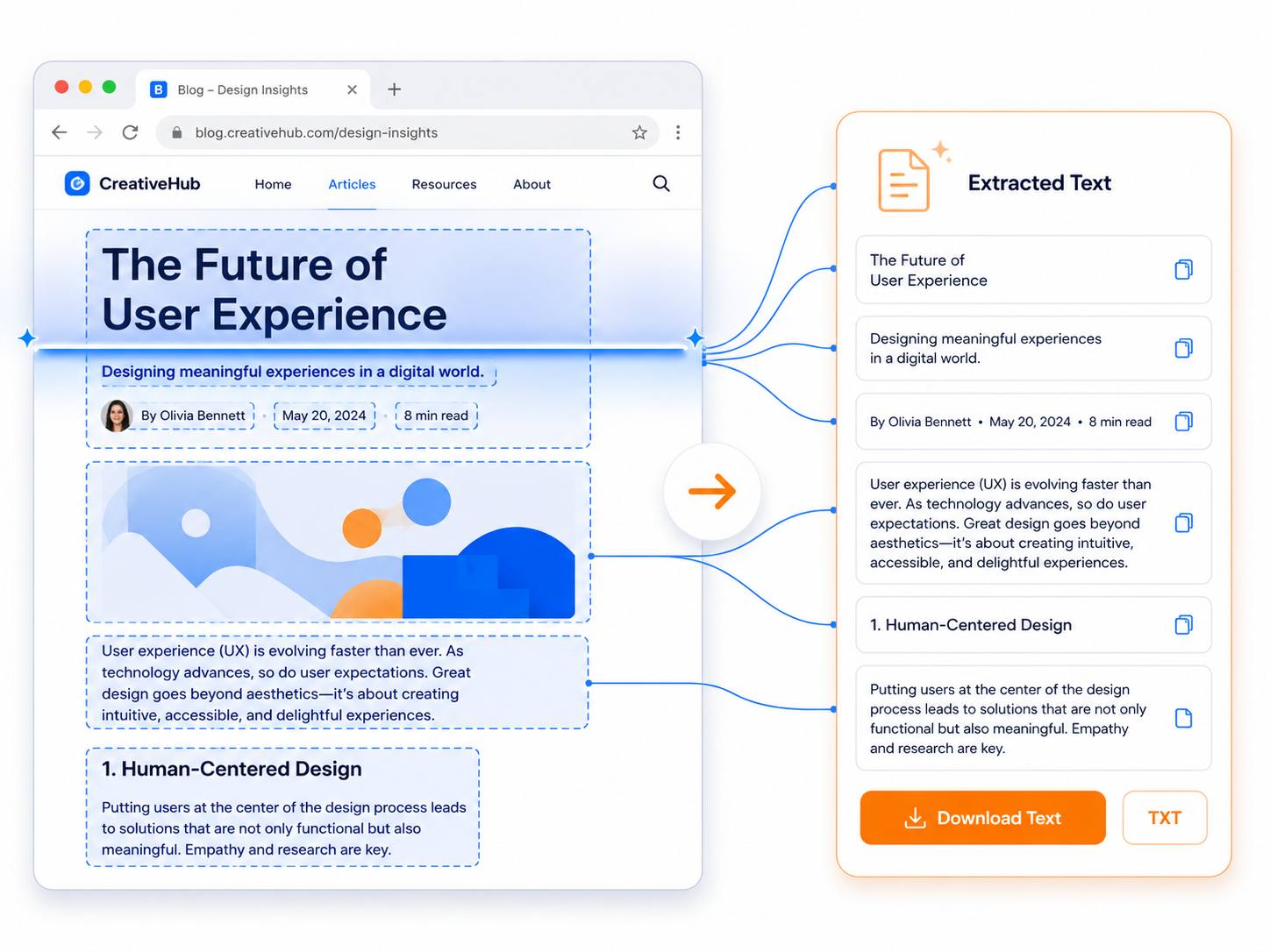
Screenshot Text Extraction
Capture text from screenshots of websites, apps, error messages, or chat windows. The AI reads all visible text and outputs it in a clean format ready for editing or sharing.
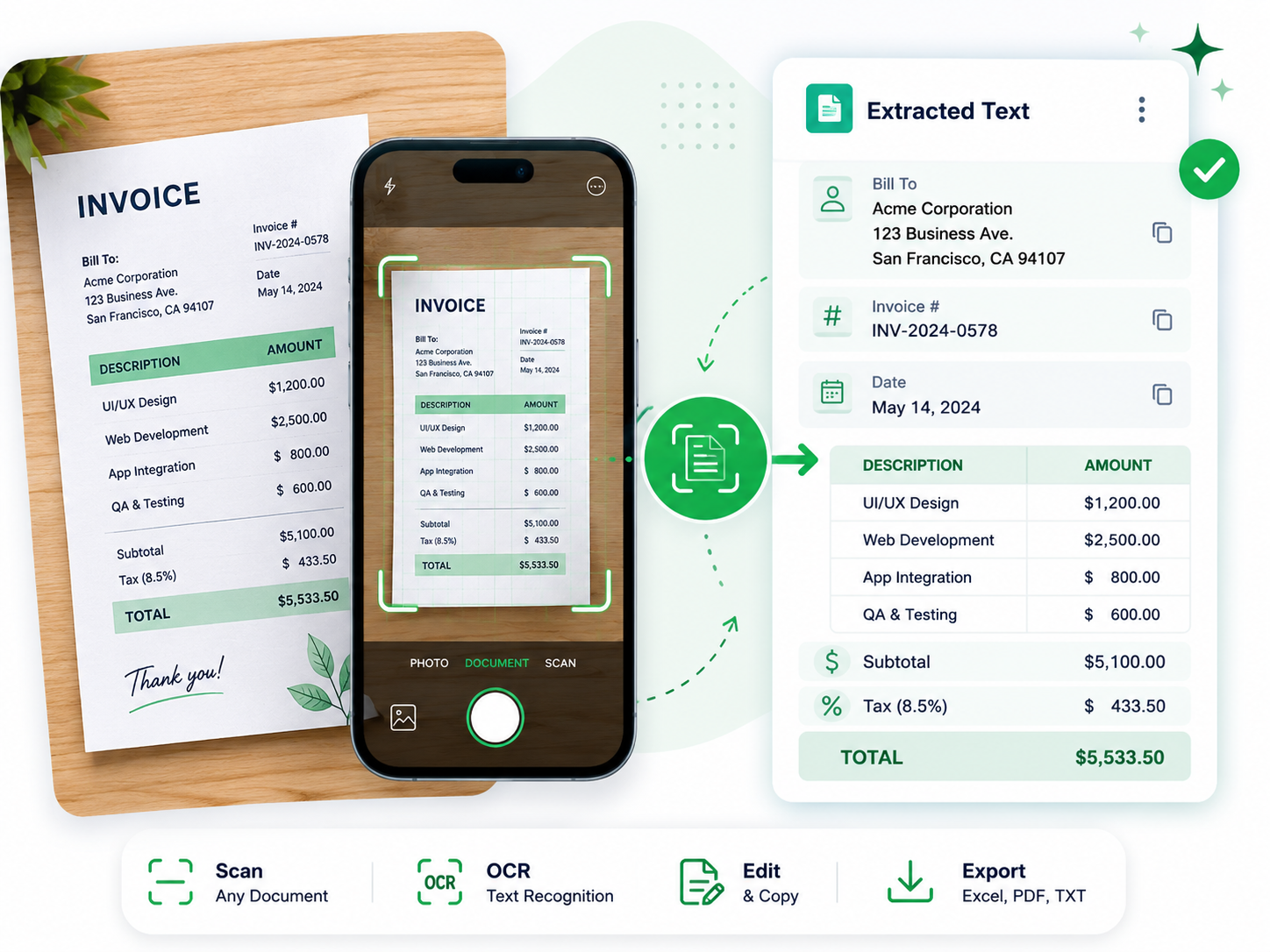
Scanned Document Support
Extract text from scanned notes, printed documents, book pages, and handwritten-to-print content. Works best with clear images that have good contrast and readable fonts.
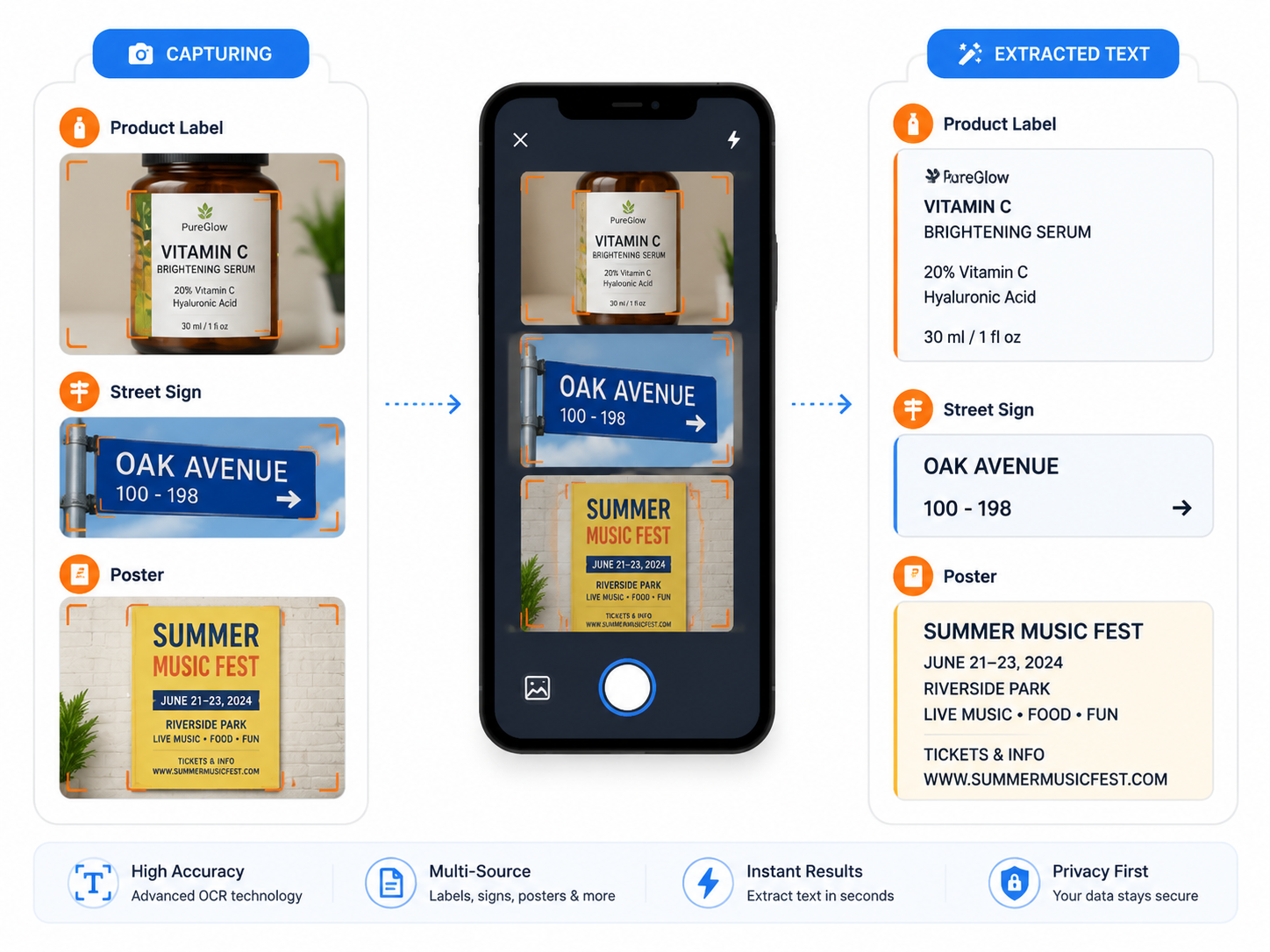
Labels, Signs, and Posters
Read text from product labels, street signs, event posters, business cards, and other visual media. Quickly digitize any text you see in the real world.
Benefits
Save time by extracting text from images instead of retyping manually.
No retyping
Extract text from images instead of manually typing it out.
Digitize content
Convert printed or handwritten content into searchable, editable digital text.
Save time
Process multiple images quickly and get text ready for use in seconds.
Any source
Works with screenshots, photos, scans, and any image containing text.