
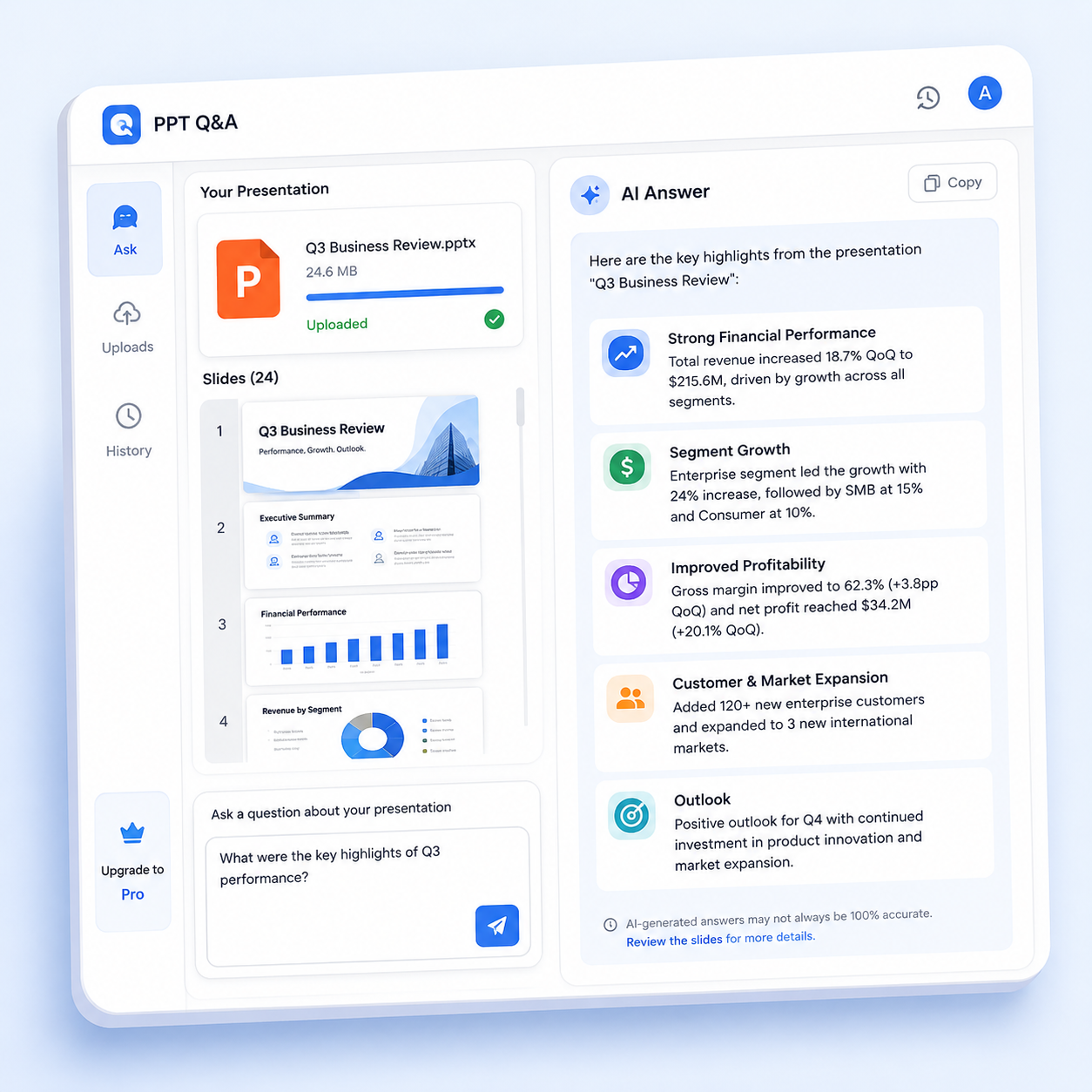
AI summary will appear here
Why Use Ask PPT?
Upload a presentation and get one clear AI response based on its content.
PPT Understanding
AI reads your slides and answers questions about the content.
Ask Questions
Add text questions for targeted presentation analysis.
Instant
Get answers about presentations in seconds.
Secure
Your files are never stored permanently.
Key Features of PPT Q&A
AI reads your slides and provides focused answers about the presentation.
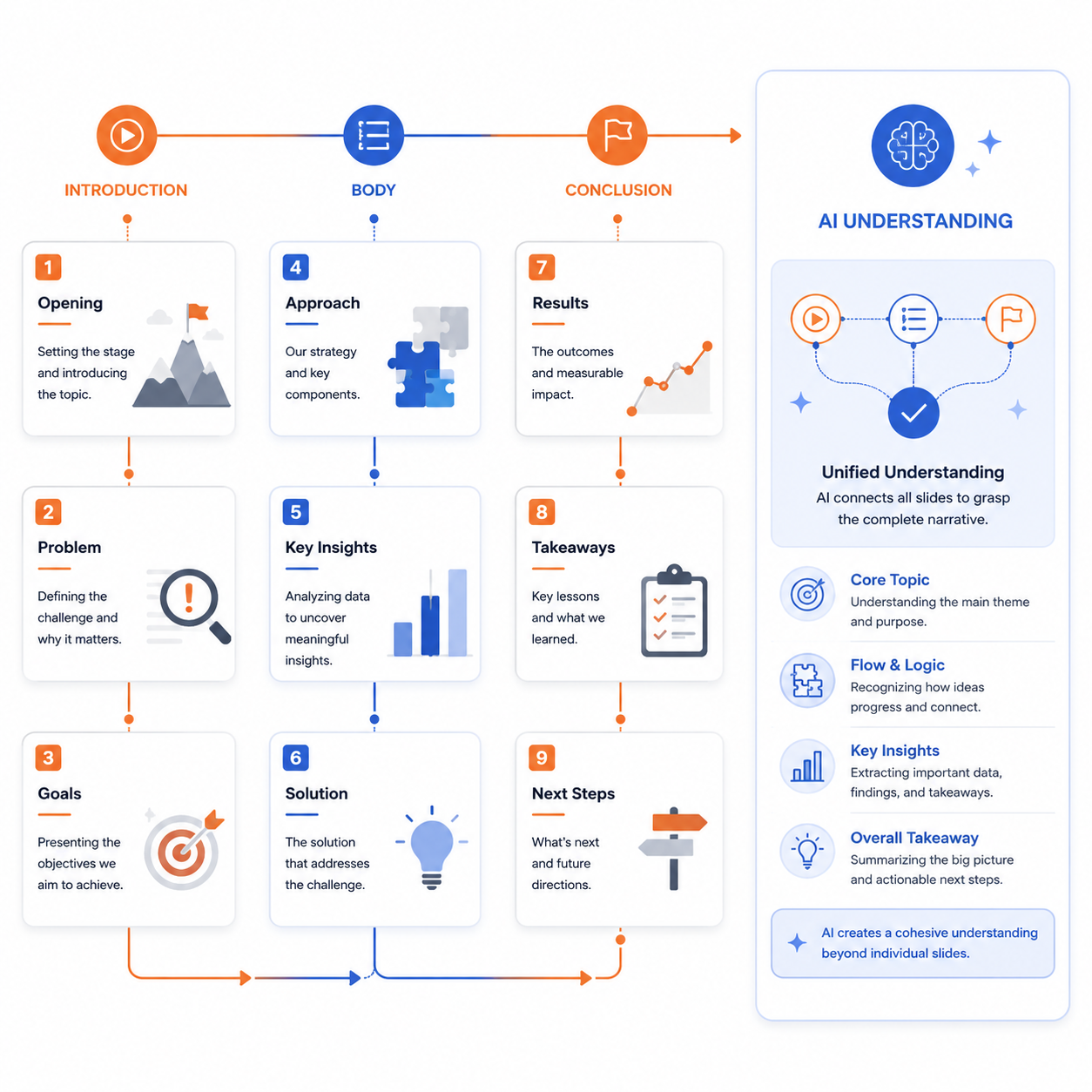
Slide Content Comprehension
The AI reads all slides in your presentation, understands the narrative flow from start to finish, and provides answers that reflect the full context — not just isolated bullet points from individual slides.
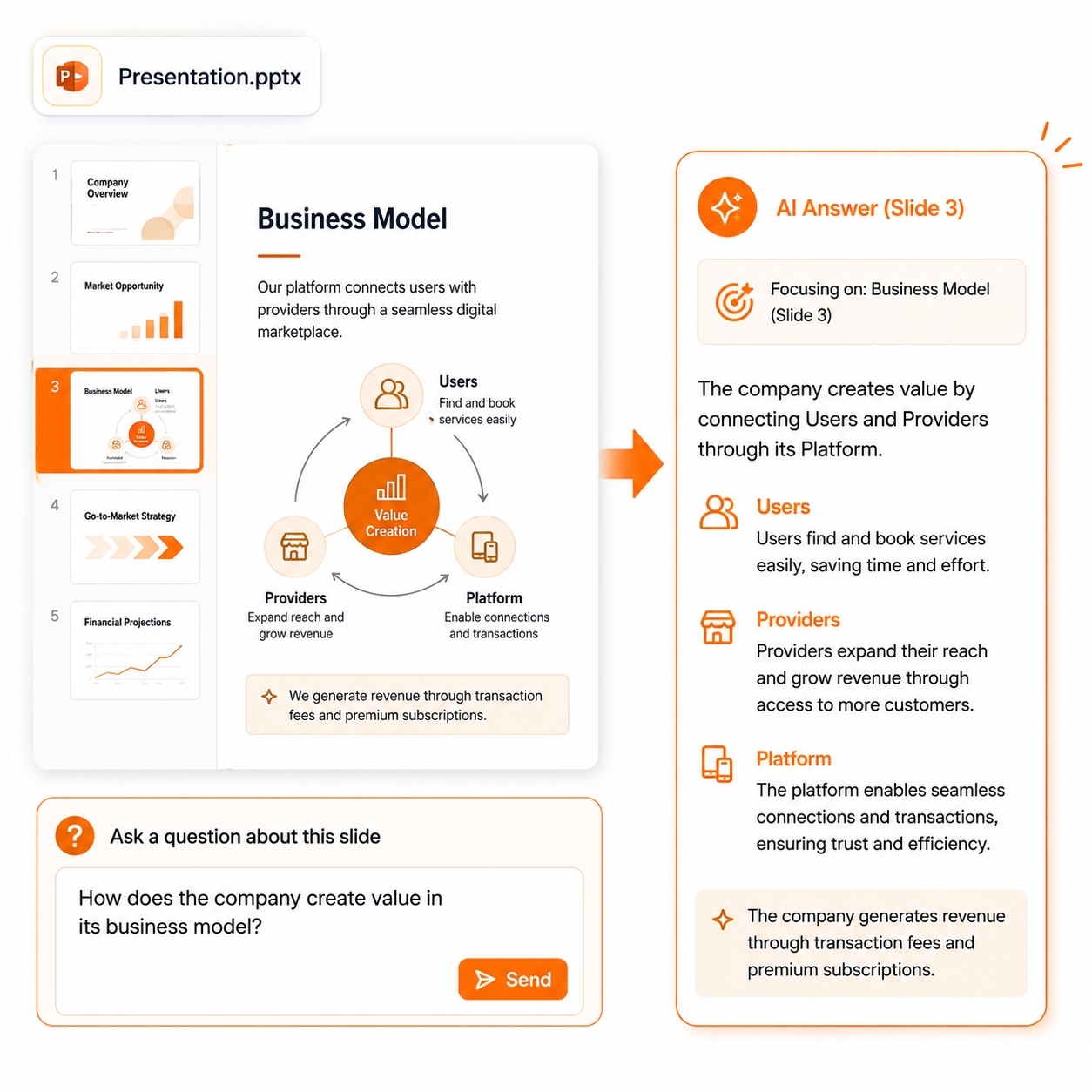
Targeted Questions About Slides
Add a specific question alongside your PPT upload. Whether you want to know the main conclusion, key data points, or specific section details, the AI focuses its answer on exactly what you asked.
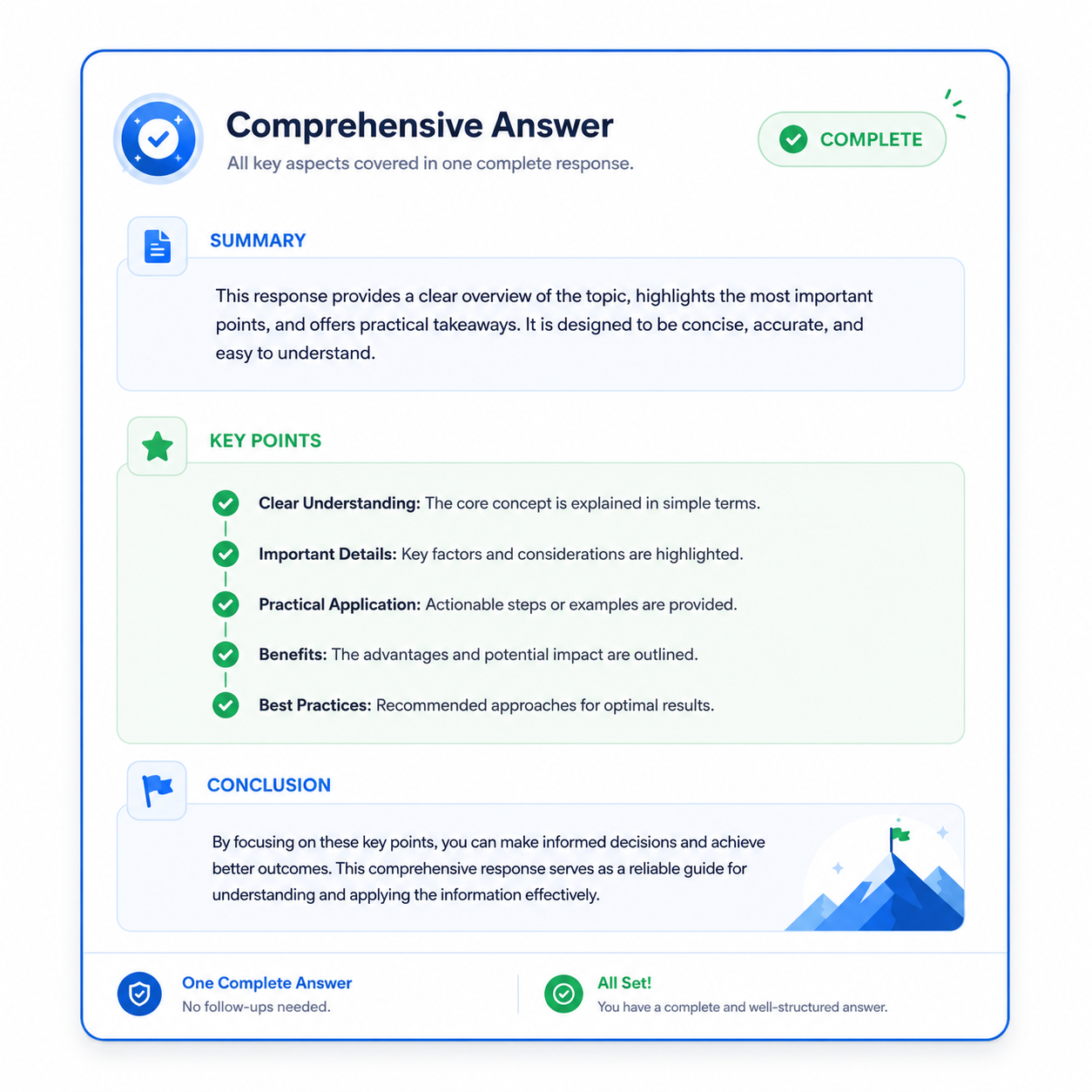
Single Comprehensive Response
Get one self-contained answer without multi-turn conversation. The response covers your question fully and is ready to copy, download, or use directly in meeting notes, emails, or reports.
Benefits
Understand presentations quickly without reviewing every slide.
Quick understanding
Grasp presentation content without going through every slide.
Targeted answers
Ask specific questions about the presentation content.
Meeting prep
Review presentation decks quickly before meetings.
Privacy safe
Files are processed securely and deleted after use.